If you’ve received a Prop 65 warning on one of your Amazon listings, don’t panic. It doesn’t mean your account is doomed—but it does mean you need to act quickly and correctly (and read our article on how you can avoid fines). California’s Proposition 65 law requires businesses to warn consumers about potential exposure to certain chemicals, and Amazon enforces those rules strictly.
Here’s how to resolve the warning and get your listing back in compliance:
1. Understand Why You Got the Warning
Amazon usually flags listings because:
- Your product type is high-risk (e.g., clothing with dyes, metal jewelry, accessories, plastics, etc.).
- You didn’t include a Prop 65 warning during listing creation.
- Your labeling method was temporary (like stickers) and doesn’t meet durability expectations.
Remember: even if you believe your product is safe, Amazon will enforce Prop 65 requirements if your product falls into a regulated category or lacks the proper disclaimer.
2. Add the Required Warning in Seller Central
To fix the issue, log in to Seller Central and update the listing:
- Go to Inventory > Manage All Inventory.
- Find your product and select Edit.
- Navigate to the Compliance or Product Details tab.
- Under California Prop 65 Warning, insert the exact required language.
⚠️ Correct Warning Example:
“⚠️ WARNING: This product can expose you to chemicals including [chemical name], which is known to the State of California to cause cancer. For more information, visit http://www.P65Warnings.ca.gov.”
Do not shorten or paraphrase. Amazon requires the full, official wording.
3. Fix the Product Labeling for Long-Term Compliance
Updating your listing is only part of the solution. You also need to ensure that your physical products carry the warning in a way that meets compliance standards.
Best practice:
- Sew-in or heat-transfer labels on the garment itself.
- Permanent tags that can’t fall off in shipping or use.
- Avoid relying on stickers, which can peel, smudge, or be applied inconsistently.
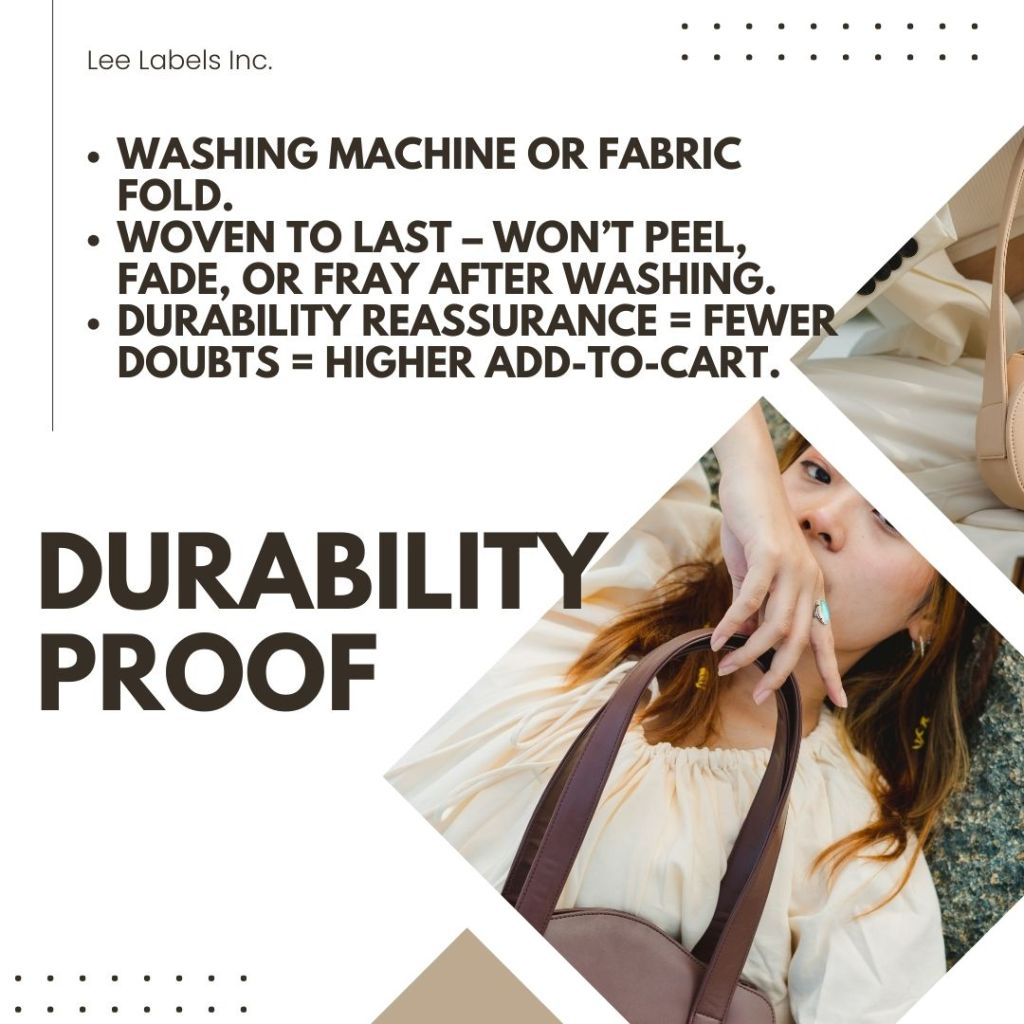
By making the warning permanent, you prevent future claims, fines, or suppressed listings.
4. Appeal if the Warning Was Applied in Error
If you are certain your product does not require a Prop 65 warning (for example, lab tests show no listed chemicals above threshold levels), you can open a case with Seller Support.
Provide:
- Laboratory test results or compliance certificates.
- Manufacturer documentation.
- Proof of safe materials (e.g., stainless steel vs. leaded alloy).
Amazon may remove the warning if you demonstrate compliance with documentation.
Getting a Prop 65 warning doesn’t have to derail your Amazon business. The key is to act quickly:
✅ Add the correct warning in your listing.
✅ Update your product packaging or labels to make the warning permanent.
✅ Gather documentation if you believe the warning was issued in error.
By fixing both your digital listings and physical products, you’ll not only resolve the current issue but also protect yourself from future warnings, fines, and customer complaints.
👉 Protect your Amazon business today—switch to permanent Prop 65 sew-on labels and buy now to stay compliant and fine-free.
 Lee Label Inc
Leave a comment